Turn a PowerPoint deck into a real eLearning course
Oct 07, 2026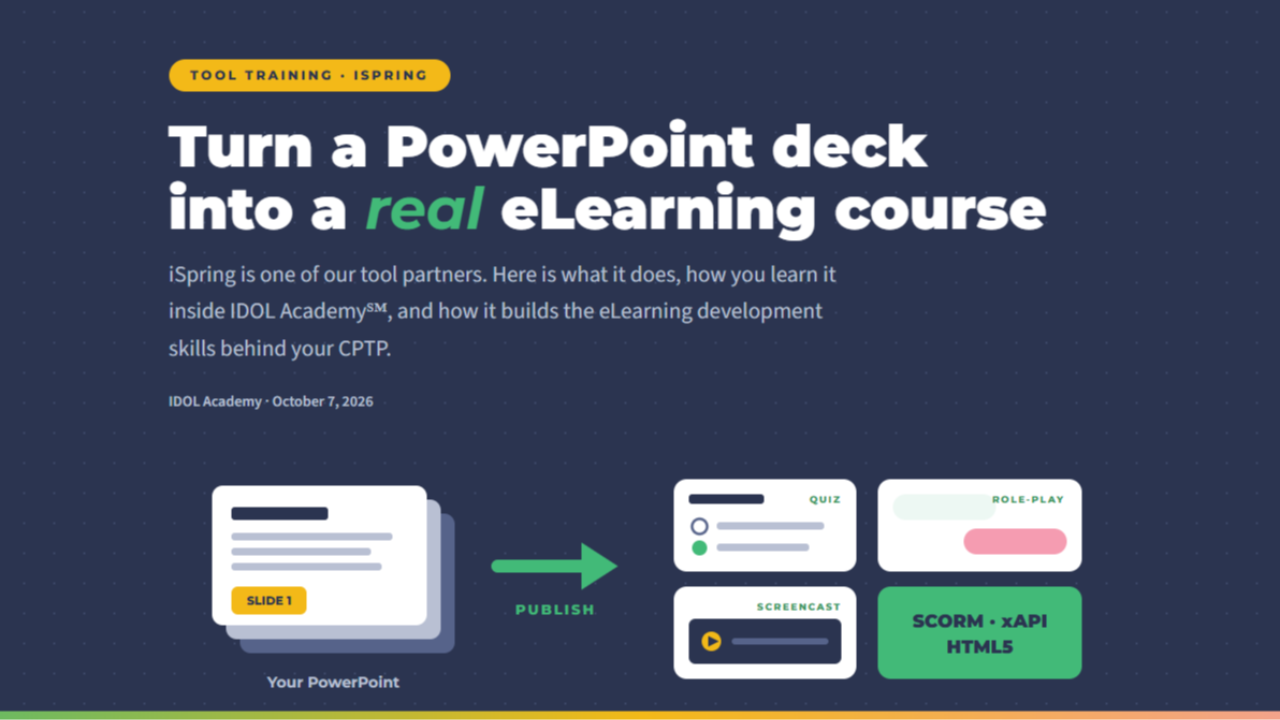
Let's be honest. Hiring managers rarely ask whether you've heard of an authoring tool. They ask whether you've built something with it.
That's why tool training sits inside IDOL Academy℠. You learn the tool, you build real projects with it, and you walk away with work you can show. iSpring is one of the tools we teach, and iSpring is one of our partners.
Why iSpring earns a spot on your tool list
iSpring Suite works as an add-in inside PowerPoint. If you've ever built a slide deck, you already know most of the interface. That's a big deal when you're changing careers and every new tool feels like a new mountain.
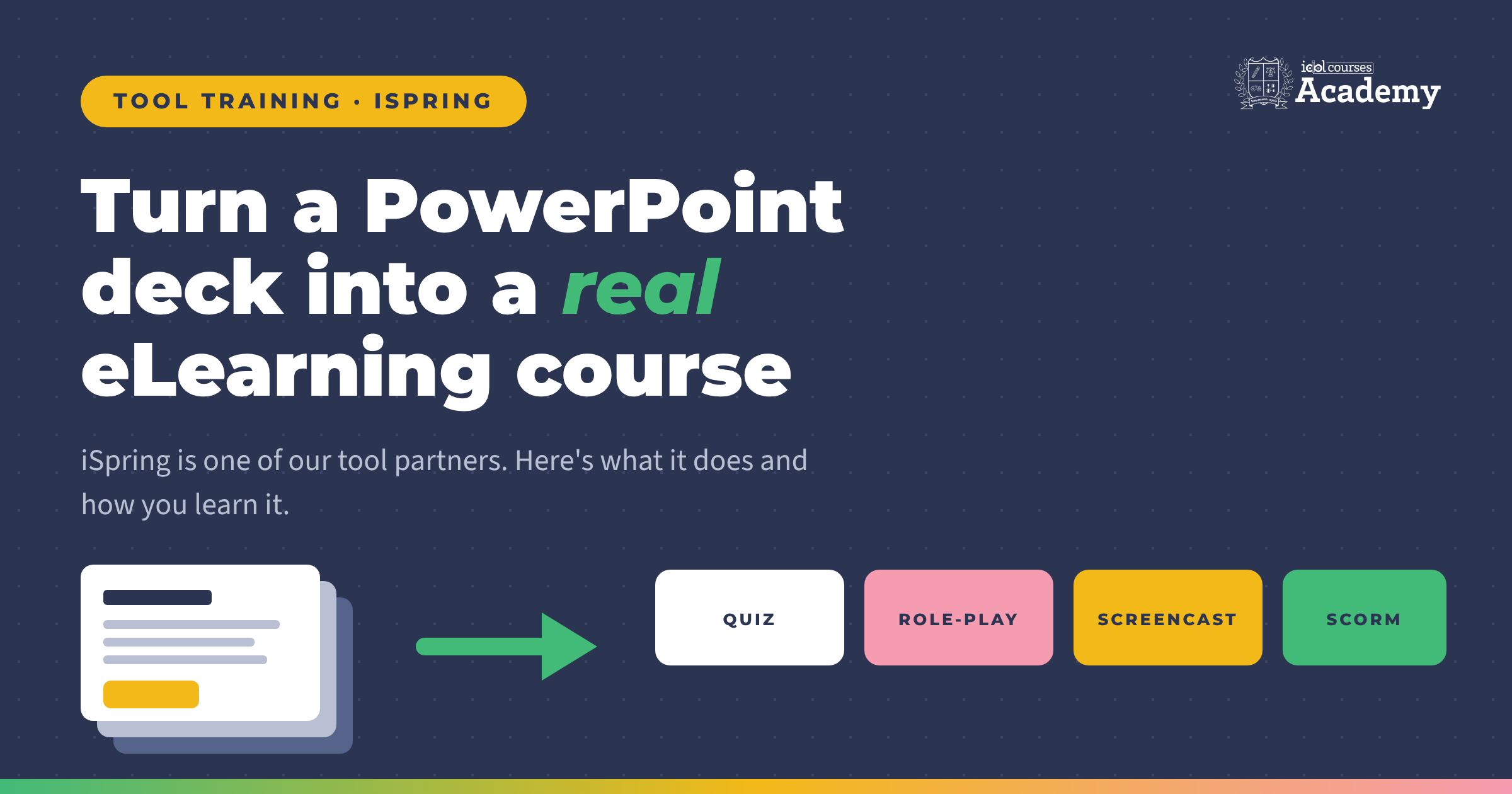
It keeps your transitions, hyperlinks, buttons, and animations intact, then adds the eLearning layer on top: quizzes, interactions, narration, and publishing. You can go from a rough deck to a working course quickly, which is exactly how rapid prototyping should feel.
Knowing several tools, and knowing when to use each one, is what separates a designer from someone who just owns software. iSpring gives you a fast, PowerPoint-based option in that toolkit.
What you can build with it
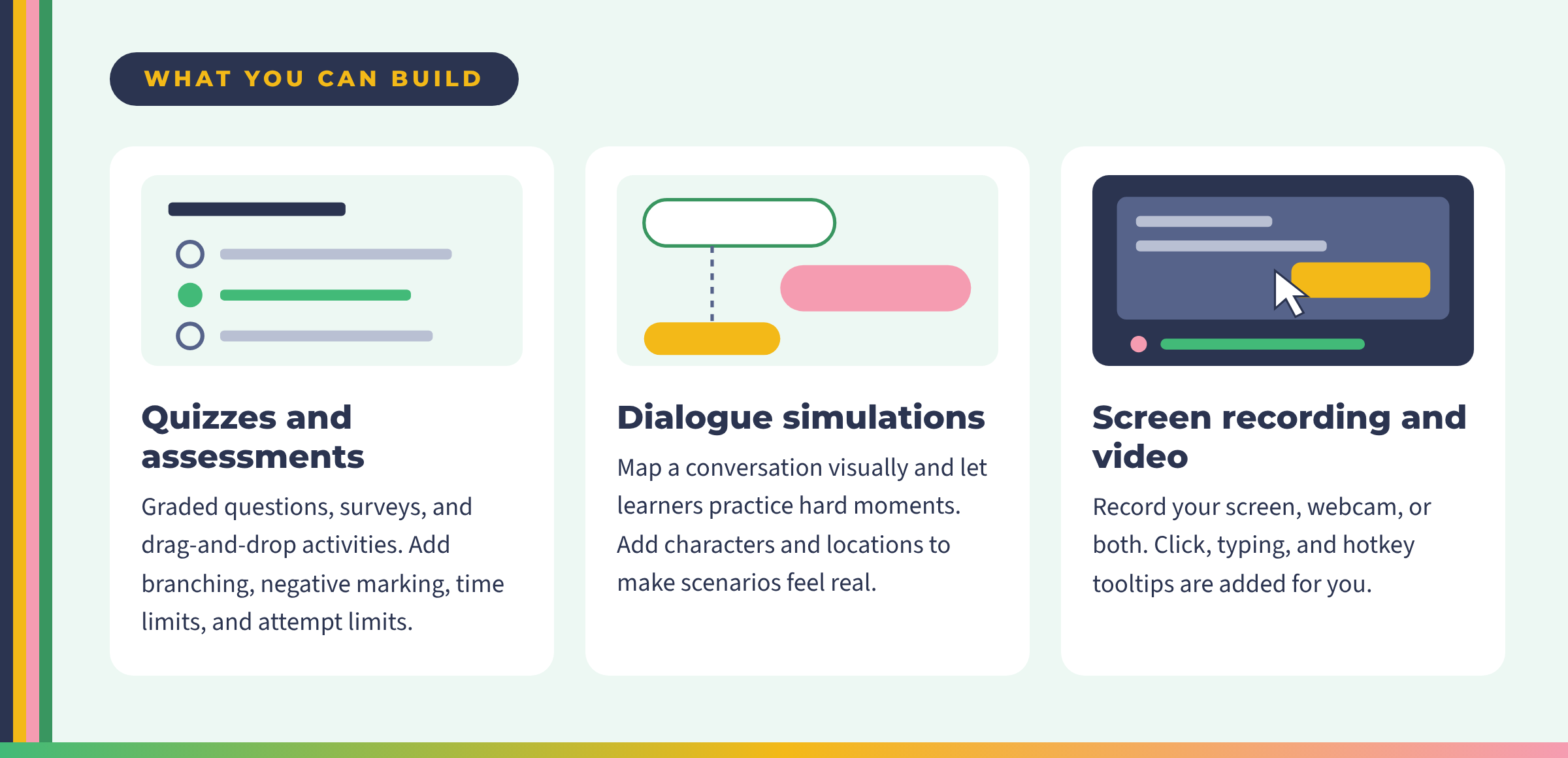
Beyond quizzes, dialogue simulations, and screen recordings, you'll also work with:
- Wizard-based interactions that turn plain content into something learners can click, sort, and explore.
- Narration and audio recorded and edited inside the same toolkit.
- Ready-made templates and a character and location library, with the exact content depending on the iSpring plan you choose.
- Publishing to SCORM, xAPI, and HTML5, so your course runs in the learning management systems employers already use.
How you learn it at IDOL Academy
You don't learn a tool by watching someone else click. You learn it by building.
Inside IDOL Academy, tool training sits next to the design work. You attend weekly live lessons (replays are there when your week gets messy), get feedback against clear rubrics, and share your progress in the private IDOL community that's open 24/7. Do it messy first. Then make it better.
Nobody expects you to arrive knowing iSpring. The program teaches the tools, and you don't need prior experience.
Where it fits on the road to your CPTP
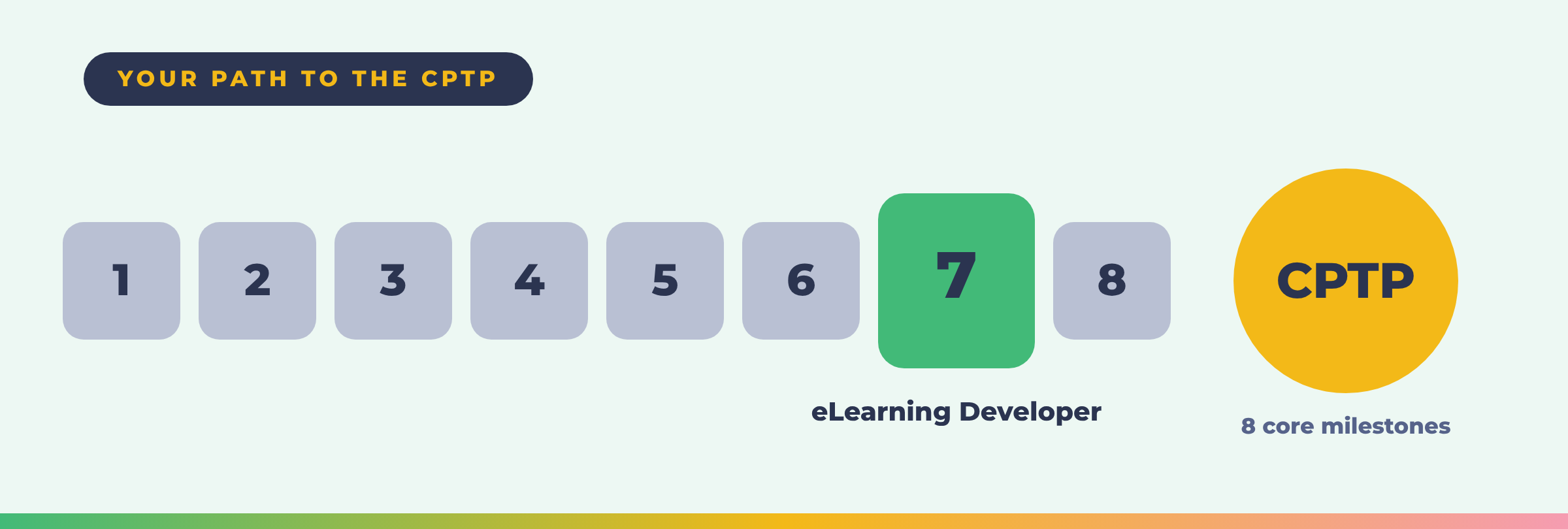
Earning the Certified Professional in Training & Performance (CPTP) takes all 8 core milestones. Milestone 7 is eLearning Developer, and that's where authoring skills do the heavy lifting. Learning iSpring gives you another way to build the kind of work that milestone asks for.
Every milestone you complete earns a Credly-verified badge you can share on LinkedIn right away. Across the full program, you can stack 16 of them. iSpring skills aren't a separate badge. They're skills you use to build the work behind them.
Build the portfolio piece, not just the skill
A portfolio proves what a resume only claims. So pick a small, real project and finish it:
- A scenario-based module with a branching conversation.
- A short software walkthrough built from a screen recording.
- A knowledge check with feedback written for each answer.
Messy and finished beats polished and never published.

Start with the free trial and get a feel for how IDOL teaches. When you're ready for the full path to the CPTP, start your application.
IDOL Academy℠ is authorized by the Georgia Nonpublic Postsecondary Education Commission (GNPEC). iSpring feature details are based on iSpring's published product information at ispringsolutions.com. Features and plan contents can change, so check iSpring directly before you buy.